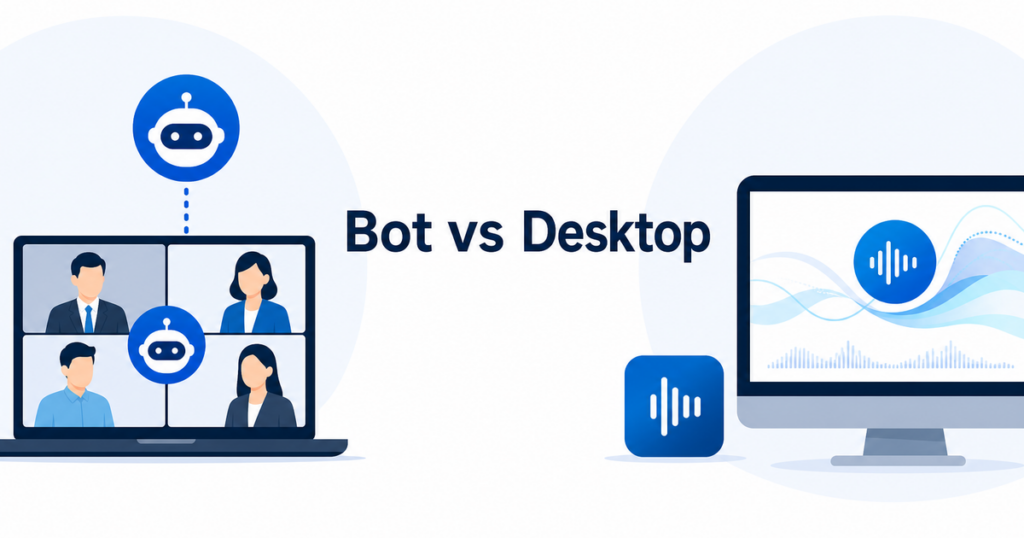
If you have searched for meeting translation tools, you have probably come across two very different approaches. One type sends a bot to join your meeting as a visible participant. The other runs as a desktop app on your computer and translates the audio you hear. Both get the job done, but they behave very differently, and those differences matter a lot in a business environment.
This article explains how each approach works, where they create friction, and which one makes more sense depending on your situation.
How Bot-Based Meeting Translators Work
Bot-based translation tools operate by joining your meeting as a separate participant. When you use a bot translator, you typically go through these steps:
- You connect the translation service to your calendar or manually enter the meeting link.
- At the scheduled time, the service launches a virtual participant that joins the meeting using its own name and video tile.
- The bot records or processes the meeting audio from inside the meeting.
- The service translates the audio and provides captions, transcripts, or both through a separate web interface or overlay.
The bot appears in the participant list, just like a real person. Everyone in the meeting can see it. Its name might be something like “Translation Bot” or the name of the service you are using.
This approach has some significant implications that are easy to overlook when you are focused on getting translation set up quickly.
Visibility to All Participants
The most immediate difference with bot-based tools is that everyone in the meeting knows translation is happening. The bot’s name shows up in the participant list. If the meeting has a gallery view, the bot takes up a tile. The host receives a notification that a new participant has joined.
In an internal team meeting, this might not matter. In a client meeting, a sales call, or a negotiation, having a bot suddenly appear in the participant list can raise questions. The client might wonder what data the bot is collecting, whether the meeting is being recorded, and who has access to the content.
Host Approval Requirements
Many meeting platforms now require hosts to approve new participants, especially participants joining from outside the organization. A bot joining from an external service looks like an outside participant. The host has to manually admit the bot, which means:
- The host needs to know in advance that the bot will join.
- The host needs to understand what the bot does and why it is there.
- If the host does not approve the bot, the translation does not happen.
For meetings with external participants, this creates an awkward dynamic. You are asking the host to admit a third-party service into a meeting that may involve confidential information. Some organizations have policies against admitting external bots, and IT departments may block them entirely through admin settings.
Platform-Specific Integration
Bot-based tools need specific integration with each meeting platform. A bot that works with Zoom may not work with Google Meet or Microsoft Teams. Some services support multiple platforms, but the integration quality varies.
When platforms update their APIs or participant policies, bot-based tools can break. If Zoom changes how it handles third-party participants, the bot may stop working until the translation service updates its integration.
How Desktop Translation Apps Work
Desktop translation apps take a fundamentally different approach. Instead of joining the meeting as a participant, they work with the audio that is already playing through your computer.
The workflow looks like this:
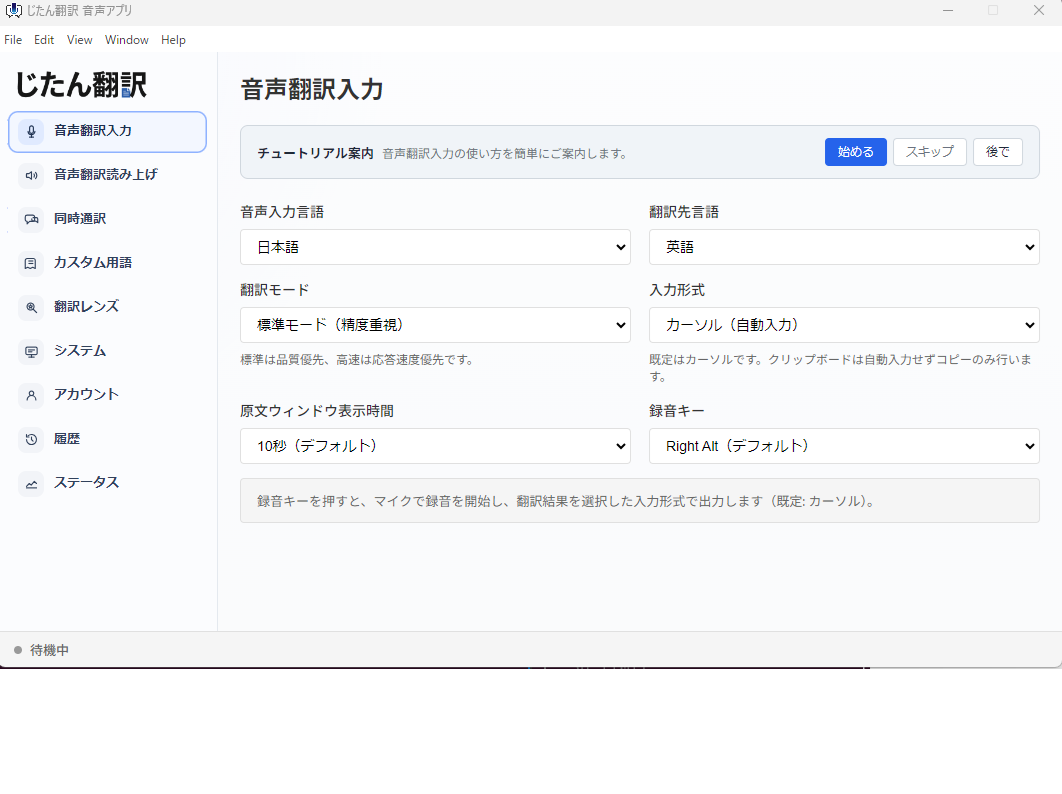
- You install the translation app on your computer.
- You configure your preferred languages.
- You join the meeting normally, using whatever platform the meeting is on.
- The app captures the audio playing through your computer’s audio output.
- The app translates the audio and displays the text on your screen.
The app does not join the meeting. It does not appear in the participant list. It does not need host approval. Other participants do not know you are using it unless you tell them.
Independence from Meeting Platforms
Because desktop apps work with system audio rather than meeting APIs, they are platform-agnostic. The same app works with Zoom, Teams, Google Meet, Webex, or any other conferencing tool. It does not matter which platform the meeting is on or whether the service has a specific integration.
This also means desktop apps are not affected by platform API changes. When Zoom updates its participant policy or Teams changes its meeting format, your desktop translation app continues working because it interacts with your computer’s audio, not the meeting platform’s software.
No Host Approval Needed
Desktop apps run locally on your machine. They do not need to join the meeting, so there is nothing for the host to approve. You do not need to ask permission from the meeting organizer or explain why a bot is joining the call.
This is particularly valuable in client-facing meetings, sales calls, and cross-organization discussions where you may not have control over the meeting settings.
Privacy Profile
Desktop apps process the audio that your computer is already receiving for the meeting. They do not introduce a new participant who records or processes the meeting independently. The audio flows through your machine, the app translates it, and the text appears on your screen.
This does not mean the audio never leaves your device. The translation engine may be cloud-based, sending audio data to a remote server for processing. But the privacy footprint is smaller than a bot-based approach because there is no separate entity joining the meeting and creating its own recording or data stream.
For organizations with strict data handling policies, the desktop approach avoids introducing a third party into the meeting itself. The translation happens as a local tool you use to understand the meeting content, similar to using a dictionary or note-taking app.
Comparing the Two Approaches
Ease of Setup
Bot-based tools typically require you to create an account with the translation service, connect it to your calendar or meeting platform, and configure meeting-specific settings. The initial setup is more involved.
Desktop apps require a one-time installation on your computer and language configuration. After that, they work with any meeting without additional setup.
Meeting Etiquette
Bot-based tools insert themselves into the meeting. This can feel intrusive, especially in smaller meetings where every participant is visible. The bot takes up space in the gallery view and requires the host to manage its presence.
Desktop apps are invisible to other participants. You use them privately without affecting the meeting experience for anyone else.
Reliability
Bot-based tools depend on the meeting platform’s APIs and participant policies. When platforms change their rules or APIs, bots can stop working. They also depend on the bot service’s uptime. If the service goes down, your translation stops.
Desktop apps depend on your computer’s audio system and the translation service’s backend. Platform changes do not affect them, but they do depend on your local audio quality and internet connection.
Data and Privacy
Bot-based tools create a separate data stream. The bot joins the meeting, captures audio, processes it through the service’s servers, and stores the results. This creates additional copies of meeting content on third-party servers.
Desktop apps process the audio you already receive. They may send audio to a cloud translation service, but they do not create an independent recording of the meeting. The data footprint is smaller.
Cross-Platform Consistency
Bot-based tools need separate integrations for each meeting platform. The experience and feature set may differ between Zoom, Teams, and Meet.
Desktop apps provide a consistent experience across all platforms because they interact with system audio rather than platform-specific APIs.
When to Use Bot-Based Tools
Bot-based translation tools make sense in specific scenarios:
Team-internal meetings where transparency is valued. If your team is comfortable with the bot joining and everyone benefits from the translation, the visibility is not a problem.
Meetings where you need shared transcripts. Bot-based tools often produce transcripts that can be shared with all participants after the meeting. If post-meeting documentation is a key requirement, a bot that captures the full meeting audio can be more effective.
Organizations that have already vetted and approved the bot service. If your IT department has reviewed and approved a specific bot-based translation service, the security and privacy concerns have been addressed.
Meetings where the host is prepared to admit the bot. When the meeting organizer knows about the bot in advance and is ready to approve it, the setup friction is minimal.
When to Use Desktop Apps
Desktop translation apps are the better choice in these situations:
Client-facing meetings. You do not want to introduce a bot into a meeting with a client who may not understand or trust it.
Cross-organization meetings. When participants come from multiple organizations, getting everyone to accept a bot is impractical.
Ad hoc meetings. For meetings that are not scheduled in advance, desktop apps work immediately without pre-configuration.
Mixed platform environments. If your team uses multiple meeting platforms, a desktop app provides consistent translation across all of them.
Privacy-sensitive discussions. When meeting content is confidential, minimizing the number of parties that process the audio reduces risk.
Personal productivity. If you are the only person in the meeting who needs translation, a desktop app provides it without affecting anyone else.
A Hybrid Approach
The most effective approach for many teams is to have both options available:
- Use a bot-based tool for internal team meetings where shared transcripts and team-wide translation are valuable.
- Use a desktop app for external meetings, ad hoc calls, and situations where you need translation without the overhead of a bot joining the meeting.
This gives you the benefits of both approaches while avoiding the drawbacks of relying on a single method.
Making the Decision
When choosing between bot-based translators and desktop apps, ask yourself these questions:
- Who else is in the meeting? Internal team members who know about the bot, or external participants who may be confused by it?
- Who controls the meeting? If you are the host, you control whether the bot gets admitted. If someone else is hosting, you need their cooperation.
- How sensitive is the meeting content? The more sensitive the discussion, the more you should minimize the number of parties processing the audio.
- Do you need shared output? If the team needs a shared transcript, a bot-based tool may be better. If you just need to follow along, a desktop app is simpler.
- How many different platforms do you meet on? The more platforms, the more value you get from a desktop app’s cross-platform consistency.
The right tool depends on your specific situation, and the best approach is often to have both options available so you can choose the right one for each meeting.
A good rule of thumb: if you would be comfortable telling the other participants that a bot is joining, use a bot. If you would hesitate, use a desktop app.