
会議Appに依存しない
Teams、Zoom、Google Meetなどの主催者設定や有料Translation字幕に頼らず、自分のPC側でTranslationできます。
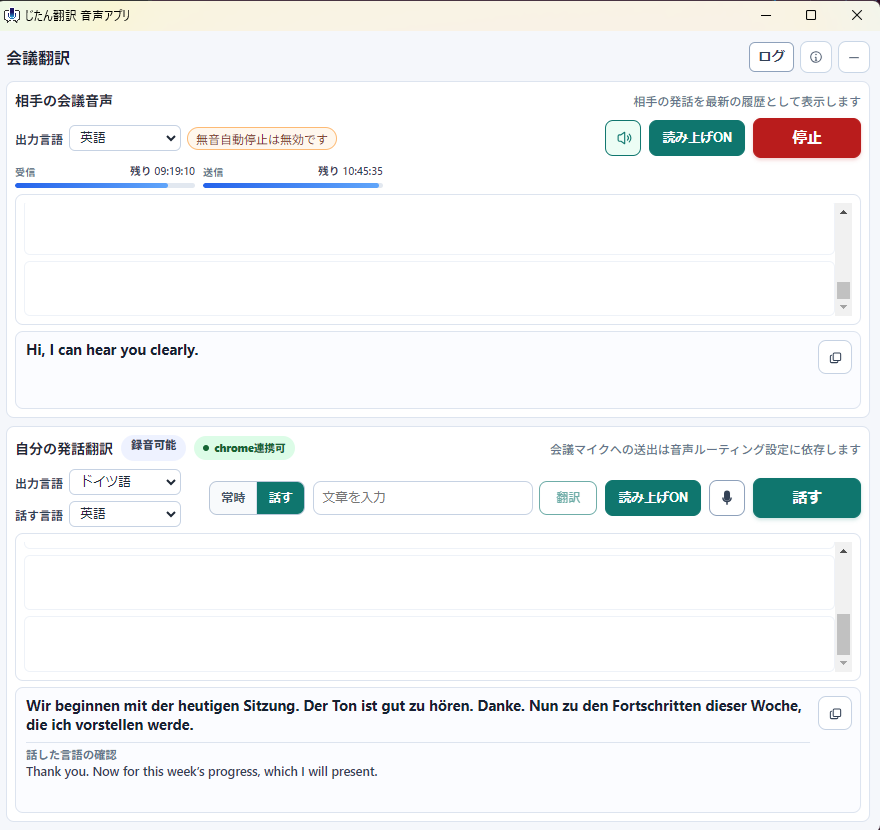
主催者設定や会議App側のTranslation字幕に依存せず、Windows PCから流れる相手の音声を字幕と読み上げで確認できます。 Zoom・Teams・Meetの相手音声を、主催者設定なしで字幕と読み上げで確認できます。
Keep this page open so you can return to the shortest path to your first subtitle.
First-time only, one lifetime free allowance: 10 minutes of receive-side meeting subtitles and 2 files / 5,000 total characters. No monthly refill, card, or automatic charge.
FOR TEAMS MEETINGS
Teams live translated captions can depend on licenses, organizer settings, and admin policies. Jitan Translate does not turn on Teams official captions. It translates the meeting audio you hear on your Windows PC so you can follow the conversation with subtitles and read-aloud.
資料も一緒に確認したい方へ
Blogから来た方は、会議を聞く前後に資料のTranslationが必要になることが多いです。 First-time only, one lifetime free allowance: 10 minutes of receive-side meeting subtitles and 2 files / 5,000 total characters. No monthly refill, card, or automatic charge.
Get Jitan Translate from Microsoft Store.
Join your Teams, Zoom, or Google Meet call as usual.
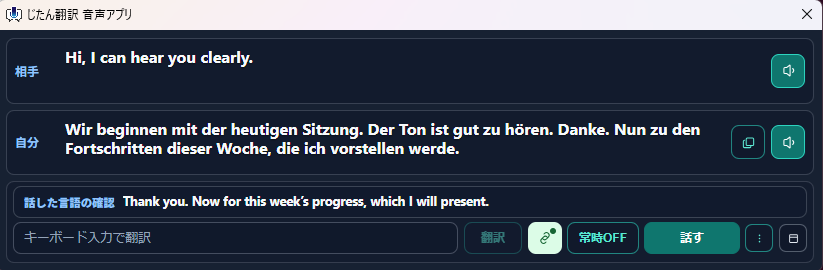
Start meeting audio translation to view subtitles on your own screen. Browser extension setup is only needed when sending translated speech.
Teams、Zoom、Google Meetなどの主催者設定や有料Translation字幕に頼らず、自分のPC側でTranslationできます。
YouTubeや海外ウェビナーの音声も、字幕がない場合にJapaneseで追いやすくなります。
Translation文を画面で確認しながら、必要に応じて読み上げ音声でも聞けます。
自分の発話をTranslation入力したり、画面上のcharsをドラッグしてTranslate機能も使えます。
Stabilized meeting audio capture in the Microsoft Teams desktop app.
Fixed Secret Mode voice translation input so same-language source windows and the “Automatic detection” label no longer appear.
Improved voice translation input and live interpretation, with more reliable Secret Mode routing and source-text display.
Added support for custom organization plans, with improved per-feature controls and Secret Mode enforcement.
Added Secret Mode.
Bug fixes.