Bringing an AI meeting bot into a business call is not the same as installing a browser extension. The bot joins the meeting as a participant, captures audio, processes it through external servers, and may store the results. For IT, legal, and compliance teams, each of those steps raises questions that need answers before the bot gets anywhere near a real meeting.
This checklist is designed for business teams who want to use AI meeting bots for translation, transcription, or note-taking. It covers the questions you should ask, the approvals you should obtain, and the safeguards you should put in place before rolling out a bot-based tool across your organization.
Why This Checklist Matters
AI meeting bots sit at the intersection of several areas that organizations take seriously: data privacy, information security, meeting etiquette, and regulatory compliance. A tool that joins your meeting and records everything that is said creates a new data stream, and that data stream needs the same scrutiny you would apply to any other tool that handles sensitive information.
Skipping this review process can lead to real problems. Confidential discussions might be processed by a third party without proper vetting. Meeting participants might be recorded without their knowledge or consent. Data might be stored in jurisdictions that conflict with your organization’s data residency requirements. And in regulated industries, unauthorized recording or processing of meetings can create compliance violations.
The checklist below is organized into sections that follow the lifecycle of a meeting bot: before the meeting, during the meeting, after the meeting, and organizational considerations.
Section 1: Vendor and Data Assessment
Before evaluating any specific feature, understand what the bot service does with your data.
Data Processing Location
- Where does the audio processing happen? Is it on the bot’s cloud servers, on your infrastructure, or on a third-party cloud provider?
- Which geographic region are the servers in? Does this align with your data residency requirements?
- Does the vendor process data in regions with different privacy regulations than your primary jurisdiction?
Data Retention
- How long does the vendor store meeting audio after processing?
- How long are transcripts and translations retained?
- Can you configure retention periods to match your organization’s data lifecycle policies?
- Is there a verified deletion process that removes data from all backup systems?
Data Access
- Who at the vendor can access your meeting content?
- Does the vendor use meeting data to train its models? If so, can you opt out?
- Does the vendor share data with any subprocessors, and if so, who are they?
- Does the vendor provide audit logs showing who accessed your data and when?
Encryption and Security
- Is audio data encrypted in transit between the meeting platform and the vendor’s servers?
- Is stored data encrypted at rest?
- Does the vendor support your organization’s required encryption standards?
- Has the vendor undergone a third-party security audit, and is the report available for review?
Subprocessors
- Does the vendor rely on other companies to process any part of your meeting data?
- Where are those subprocessors located?
- Do the subprocessors meet your organization’s security and privacy requirements?
Section 2: Meeting Participant Consent
Consent is both a legal requirement in many jurisdictions and a matter of basic professional courtesy.
Legal Requirements
- Does your jurisdiction require all-party consent for recording meetings? (Some jurisdictions require only one-party consent; others require everyone to agree.)
- Do the jurisdictions of all meeting participants require consent? When participants are in different locations, the strictest applicable rule generally applies.
- Does the bot service provide a mechanism for participants to consent, or do you need to handle this separately?
Practical Disclosure
- Is the bot visible to all participants in the meeting, or does it join invisibly? Visible bots are generally easier to justify from a consent perspective.
- Does the bot announce itself when joining, or does it join silently?
- Can you customize the bot’s display name to clearly indicate its purpose (e.g., “Translation Service – Not a Person”)?
Meeting Invitations
- Does your meeting invitation template include a notice that a translation or transcription bot may join?
- Is the notice prominent enough that participants actually read it?
- Do you provide a contact point for participants who have questions about the bot?
Opt-Out Mechanisms
- Can participants opt out of having their speech processed by the bot?
- What happens if a participant objects during the meeting? Can the bot be removed without disrupting the meeting?
- Is there an alternative way for objecting participants to receive translation or transcription (such as a separate summary distributed after the meeting)?
Section 3: Host and Admin Permissions
Getting the bot into the meeting requires cooperation from the host and, potentially, the platform administrator.
Host Approval
- Does the meeting platform require the host to manually admit the bot as a participant?
- Is there a way to pre-approve the bot for recurring meetings so the host does not have to admit it each time?
- What happens if the host denies the bot entry? Is there a fallback plan?
Platform Admin Settings
- Does your organization’s IT admin allow external bots to join meetings on your platform?
- Are there platform-level restrictions that block third-party participants?
- Does the bot require OAuth access to your calendar, email, or meeting platform account? If so, what specific permissions does it request?
Zoom-Specific Considerations
- If your team uses Zoom, does the bot join through Zoom’s approved app marketplace or as an unapproved third-party integration?
- Zoom administrators can restrict which apps are available to users. Check whether the bot service is on your organization’s approved list.
Source: Zoom apps admin approval
Teams-Specific Considerations
- For Microsoft Teams, does the bot appear as a Teams app that needs admin approval?
- Teams has granular permission models for apps. Check whether the bot requires permissions that your organization restricts.
Source: Teams app permissions
Google Meet-Specific Considerations
- Google Meet handles external participants based on the host’s organization settings.
- Verify that the bot can join meetings without being blocked by your organization’s Meet security settings.
Section 4: Data Classification and Meeting Sensitivity
Not every meeting is appropriate for a bot.
Meeting Tiers
Organizations often classify meetings by sensitivity level. Consider establishing clear guidelines for which meeting tiers allow bots:
- Public and general meetings (team updates, all-hands, training sessions): Bots generally appropriate with standard notice.
- Internal confidential meetings (strategy discussions, personnel matters, financial reviews): Bots may be appropriate if the vendor has been vetted and approved.
- External confidential meetings (client negotiations, partnership discussions, M&A conversations): Bots require special approval from legal or compliance.
- Regulated meetings (legal proceedings, compliance reviews, HIPAA-sensitive discussions): Bots should be excluded unless explicitly approved by the relevant compliance team.
Content Filtering
- Can the bot be configured to avoid processing certain segments of the meeting (for example, when a participant indicates they are sharing confidential information)?
- Is there a way to pause or mute the bot during sensitive portions of the discussion?
- Can the bot’s output be redacted after the meeting to remove specific sensitive content?
Section 5: Output Handling and Distribution
The bot’s output, whether transcripts, translations, or summaries, needs proper handling too.
Access Control
- Who has access to the bot’s output after the meeting?
- Can access be restricted to specific individuals or groups?
- Is the output stored in a location that meets your organization’s access control requirements?
Accuracy Disclaimer
- Do the bot’s outputs include a clear disclaimer that they are machine-generated and may contain errors?
- Is there a process for human review of critical outputs before they are shared or acted upon?
- Are recipients aware that translated or transcribed content is an AI first draft and should be reviewed before being used for decision-making?
Distribution
- Are there guidelines for how bot outputs can be shared internally?
- Are there restrictions on sharing bot outputs externally (with clients, partners, or regulators)?
- Does the output include metadata about how it was generated (date, meeting participants, bot service used)?
Retention and Deletion
- How long are bot outputs retained?
- Is there a process for deleting outputs when they are no longer needed?
- Does deletion include all copies, including any copies the vendor may retain?
Section 6: Ongoing Governance
Approval is not a one-time event. Ongoing governance ensures that the bot service continues to meet your requirements.
Vendor Monitoring
- Has the vendor’s security posture changed since your initial review?
- Have there been any data breaches or security incidents involving the vendor?
- Has the vendor changed its subprocessors, data processing locations, or data retention policies?
Usage Tracking
- Are you tracking which meetings the bot is used in and by whom?
- Are you monitoring whether the bot is being used in meetings outside the approved tiers?
- Is there a process for reviewing and approving new use cases as they emerge?
Participant Feedback
- Are you collecting feedback from meeting participants about their comfort with the bot?
- Have any participants raised concerns about privacy, accuracy, or meeting disruption?
- Is there a process for addressing and resolving participant concerns?
Regular Review
- How often does your organization review the approved bot services? (Quarterly or semi-annually is common.)
- Who is responsible for the review? (IT, legal, and the business team should all be involved.)
- Is there a process for revoking approval if the vendor no longer meets requirements?
Section 7: Alternatives and Fallbacks
Even with a fully approved bot service, you should have alternatives for situations where the bot is not appropriate.
Desktop Translation Apps
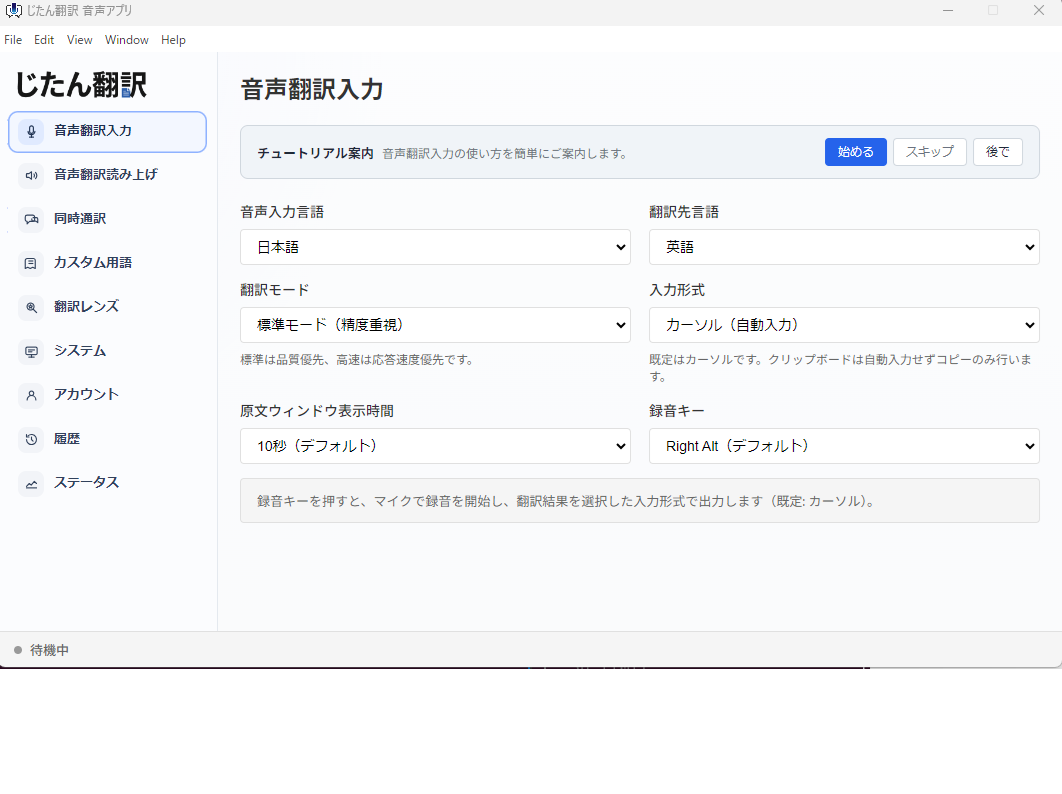
Desktop apps run on an individual user’s computer and do not join the meeting as a participant. They avoid many of the consent and visibility issues associated with bots. For meetings where a bot is not appropriate, a desktop translation app can provide translation support without introducing a third party into the meeting.
Human Interpreters
For high-stakes meetings involving legal, financial, or diplomatic content, professional human interpreters provide quality and accountability that no automated tool can match. Maintain a relationship with interpretation services that can be engaged on short notice.
Post-Meeting Translation
For meetings where real-time translation is not critical, translating the meeting transcript or summary after the fact avoids the complexities of live bot participation. This approach gives you time to redact sensitive content before translation and to have the translation reviewed for accuracy.
Platform Built-In Features
Before deploying a separate bot, check whether your meeting platform’s built-in translation features meet your needs. Zoom, Teams, and Google Meet all offer some form of translated captions. These features are generally simpler to deploy from a governance perspective because they are part of a platform you have already vetted.
Using This Checklist
This checklist is a starting point. Adapt it to your organization’s specific requirements, regulatory environment, and risk tolerance. Not every item will apply to every organization, but going through the exercise of considering each one helps ensure that your use of AI meeting bots is thoughtful, transparent, and compliant.
The goal is not to prevent your team from using helpful tools. It is to make sure that when a bot joins your next meeting, everyone involved understands what is happening, has consented to it, and can trust that the data is being handled appropriately.