If you have been around translation for more than a few years, you have heard of translation memory. If you are newer to the field, you probably think of translation as something AI does. Both technologies matter for business teams, and understanding the difference is the key to building an efficient translation workflow.
This article explains translation memory, AI translation, and how they complement each other — without the jargon.
What Is Translation Memory?
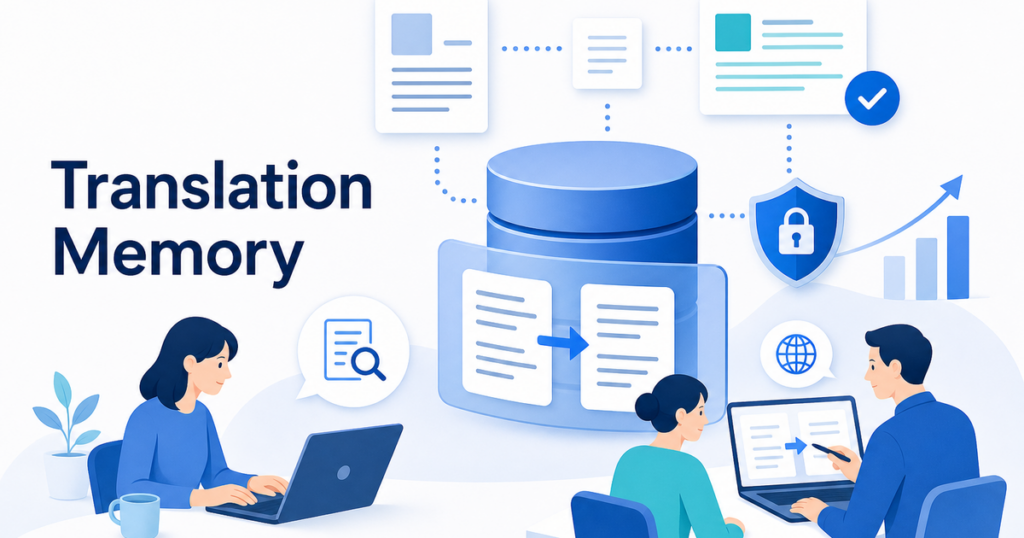
Translation memory (TM) is a database of previously translated content. Every time a human translator translates a sentence, the source sentence and its translation are stored as a pair in the TM. The next time that sentence (or a similar one) appears, the TM suggests the previous translation.
How TM Works in Practice
Imagine your company translates product manuals from English to Japanese. The sentence "Press the power button to turn on the device" appears in every manual. The first time a translator handles it, they translate it and the pair is stored. Every subsequent time that sentence appears, the TM offers the stored translation automatically.
The translator does not need to retranslate it. They just confirm the TM suggestion and move on. This saves time, ensures consistency, and reduces cost because translators are typically paid less for TM matches than for new translation.
TM Match Types
Translation memory systems categorize matches by how closely a new sentence matches a stored one:
- Exact match (100%): The sentence is identical to one in the TM. No translation needed.
- Fuzzy match (75-99%): The sentence is similar but not identical. The translator reviews and adjusts the suggestion.
- No match (below 75%): No useful suggestion exists. The translator starts from scratch.
This matching system is why TM is most valuable for organizations that translate repetitive, structured content — technical manuals, legal contracts, product descriptions, and any document that reuses standard language.
What TM Does Not Do
Translation memory is not a translation engine. It cannot generate new translations. It can only retrieve and suggest what was translated before. If a sentence has never been translated, TM offers nothing. It is a retrieval system, not a generation system.
TM also does not understand context. If the same sentence appears in two different contexts where it should be translated differently, the TM will suggest the same translation for both. A human translator needs to catch these cases.
What Is AI Translation?
AI translation — technically called neural machine translation (NMT) — uses deep learning models to generate translations. Unlike TM, it does not rely on stored sentence pairs. It has learned patterns from massive amounts of training data and generates translations for any input text.
How AI Translation Works in Practice
You give an AI translation engine a sentence it has never seen before, and it produces a translation. It handles new content, creative language, and varied sentence structures. It does not need a database of previous translations to draw from.
The quality varies by language pair, domain, and input clarity. Common language pairs with lots of training data — English to Spanish, English to French, English to German — tend to produce strong results. Less common pairs and highly specialized content may produce lower quality.
What AI Translation Does Not Do
AI translation does not guarantee consistency. The same sentence translated twice might produce slightly different results. It does not automatically respect your company's terminology preferences unless you configure a glossary. And it does not know when it is wrong — AI translation outputs are confident even when they are inaccurate.
Comparing TM and AI Translation
Speed
Both are fast compared to human translation, but in different ways. TM is instantaneous for exact matches — it is just database retrieval. AI translation takes a few seconds per sentence but works on any content, not just matches.
For documents with a lot of repeated content, TM is faster. For entirely new content, AI translation is the only option between the two.
Consistency
TM wins on consistency by design. Every exact match produces the same translation. AI translation can produce variations, which is why glossary integration is important for AI workflows.
Coverage
AI translation wins on coverage. It handles any text in a supported language pair. TM only helps with content that has been translated before. For a company translating new types of documents or entering new markets, TM starts empty and takes time to build value.
Cost Structure
TM reduces cost over time. The more you translate, the more matches you accumulate, and the less new translation is needed. AI translation has a per-character or per-document cost that stays relatively constant regardless of how much you have translated before.
Why You Need Both
The most effective business translation workflows use both TM and AI translation together. Here is how they complement each other.
TM Handles the Repetitive Parts
For standard language — product descriptions, legal boilerplate, technical instructions, UI strings — TM provides instant, perfectly consistent translations. This is the content where consistency matters most and where TM excels.
AI Handles the New Parts
For new content that has no TM match — a new product feature description, a novel marketing message, a unique clause in a contract — AI translation provides a starting point that would not exist otherwise.
The Combined Workflow
In a modern translation environment tool, this combination happens automatically. The tool checks the TM first. If there is an exact match, it uses that. If there is a fuzzy match, it presents the suggestion for the translator to adjust. If there is no match, it sends the sentence to the AI engine for a new translation.
This layered approach gives you TM consistency where it matters and AI coverage where TM falls short.
Glossaries: The Common Ground
Both TM and AI translation benefit from glossaries, but in different ways.
For TM, a glossary is less critical because consistency is built in through stored translations. However, a glossary helps when setting up a new TM or when multiple TMs need to align on terminology.
For AI translation, a glossary is essential. It tells the engine how to handle your specific terms — product names, brand language, technical vocabulary. Without a glossary, AI translation may use different terms for the same concept in different parts of a document.
Both DeepL and Azure AI Translator support custom glossaries, as does Google Cloud Translation.
Source: DeepL multilingual glossaries
Source: Google Cloud Translation glossaries
When TM Matters Most
Translation memory delivers the most value in these scenarios:
- Technical documentation that reuses standard descriptions and instructions.
- Legal contracts with boilerplate clauses that appear across many agreements.
- Product catalogs where item descriptions follow templates.
- Software localization where UI strings repeat across versions.
- Ongoing localization where updated documents share most content with previous versions.
If your team translates one-off documents that never share content with anything else, TM will not help much. AI translation is your primary tool in that case.
When AI Translation Matters Most
AI translation delivers the most value when:
- You are translating content your team has never translated before.
- The content is varied and creative rather than structured and repetitive.
- You need translation in language pairs where your TM has no data.
- Speed is more important than perfect consistency.
- You are processing high volumes and need a scalable solution.
Practical Recommendations for Business Teams
If You Are Starting From Scratch
You have no TM, no glossary, and a pile of documents to translate. Start with AI translation and a basic glossary. Use AI to translate your documents, have human reviewers correct the output, and store the corrected translations to start building your TM.
Over time, your TM grows, and you start getting automatic matches on repetitive content. Your glossary improves, and AI output quality increases. Within a few months, you have the foundation for a combined workflow.
If You Already Have a TM
You have been using translation memory for years. AI translation can still help by handling the content that falls below your TM match threshold. Instead of sending 30 percent fuzzy matches and no-matches to human translators at full rate, run them through AI first and then have humans post-edit. This reduces cost and turnaround time.
If You Use a Document Translation Platform
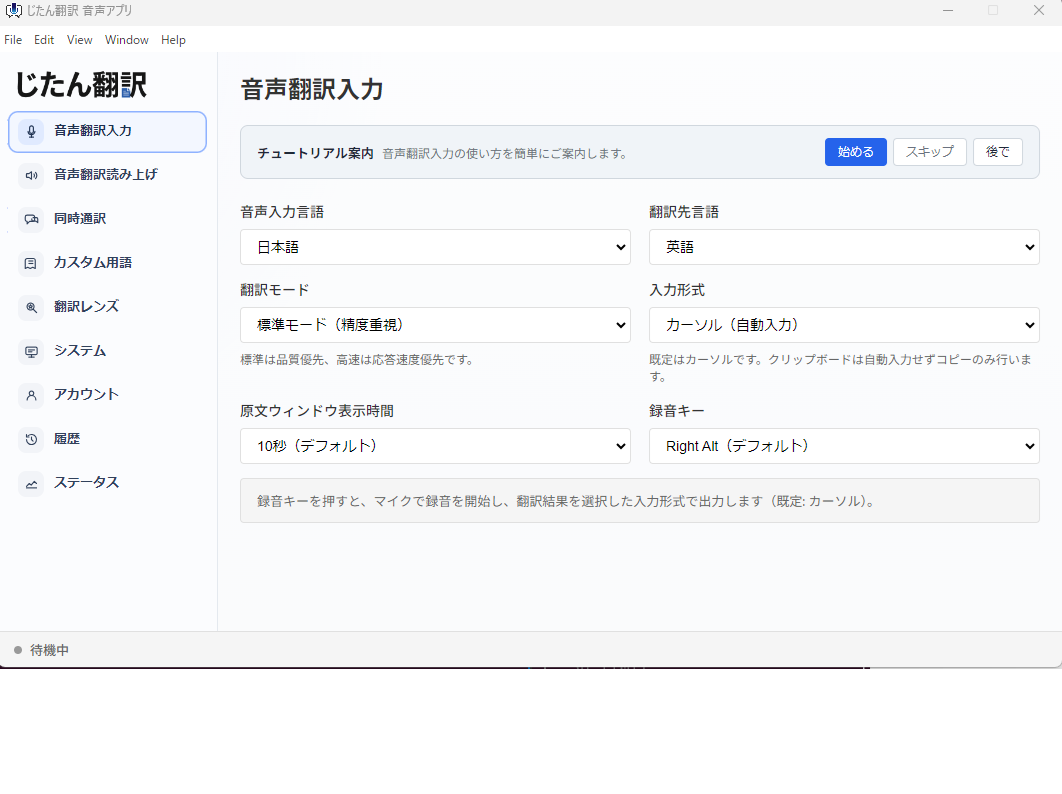
Platforms like Jitan Translate handle the AI translation layer for common business file formats — PDF, DOCX, PPTX, XLSX. They are designed to preserve layout and formatting, which helps reduce the formatting cleanup that often takes as much time as the translation itself.
For teams with an existing TM, these platforms can serve as the AI translation component of a combined workflow. Use TM for your repetitive content, use the platform for new content, and have human reviewers handle the post-editing.
The Evolution of TM and AI Convergence
The line between translation memory and AI translation is blurring. Modern translation environment tools now combine both technologies seamlessly. When you submit a sentence for translation, the tool checks the TM first, applies glossary rules, and then uses AI translation for anything the TM cannot handle. The editor sees a unified suggestion that may be part TM match, part AI output.
Some platforms are even using AI to improve fuzzy matches. Instead of just presenting a 85% TM match and leaving the remaining 15% for the editor to fill in, the AI adjusts the fuzzy match to fit the new sentence. This hybrid approach captures TM consistency and AI fluency in a single output.
This convergence means the question is shifting from "TM or AI?" to "how do I configure the combined system for my content?" The tools are merging. The management challenge is now about glossary curation, quality standards, and workflow design rather than choosing between two separate technologies.
What This Means for Your Team
Invest in your glossary regardless of which technology you lean on. A well-maintained glossary improves both TM matching (by ensuring stored translations use consistent terminology) and AI output (by giving the engine explicit rules for your terms). The glossary is the single investment that pays dividends across every translation technology.
Also start building your TM, even if you are a small team. Every document you translate and have reviewed contributes to the TM. Early investment in building this asset pays compound returns as your translation volume grows.
The Bottom Line
Translation memory and AI translation are not competitors. They are tools that solve different parts of the same problem. TM gives you speed and consistency on content you have translated before. AI gives you coverage on content you have not. Together, with a glossary and human review, they form the foundation of an efficient business translation workflow.
Do not choose one over the other. Set up both, and let each handle what it does best.
For more on document translation workflows, this guide to translating PDFs without losing formatting covers the practical side of choosing a translation platform.