AI Translation Vendor Evaluation Scorecard for Business Teams
Your company needs a translation tool. You search online and find dozens of options, each claiming to be the best. How do you compare them systematically instead of choosing based on which website looks most convincing?
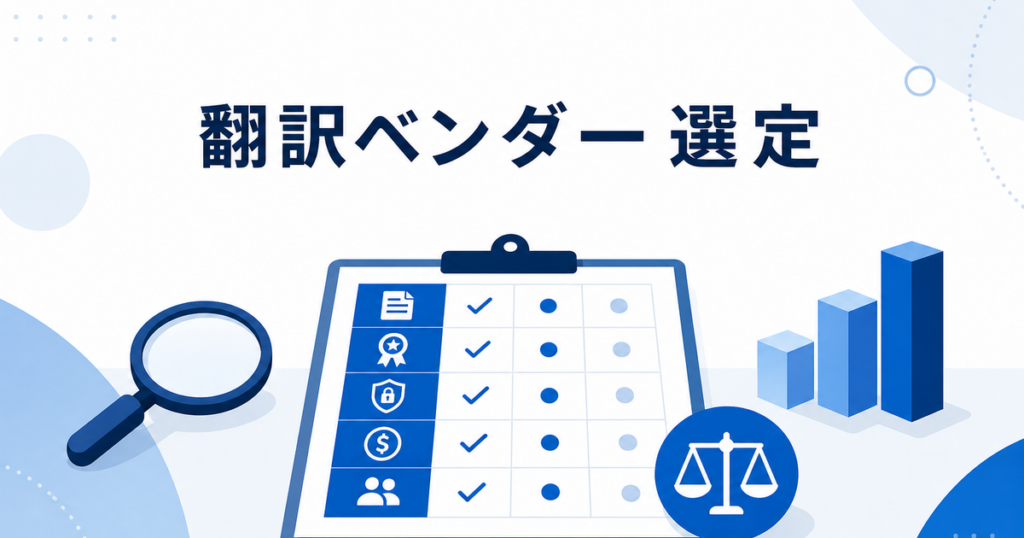
This article provides a structured scorecard that business teams can use to evaluate AI translation vendors. It covers the criteria that matter for real-world document translation, not just marketing claims.
Why a Scorecard Matters
Informal vendor evaluation leads to inconsistent results. One person on your team might choose a tool because it has a nice interface, while another chooses based on price alone. A scorecard ensures that every vendor is evaluated against the same criteria, and the decision is documented and defensible.
This matters not just for the initial choice but for future reference. When someone asks "why did we pick this tool?" or "should we switch to the new option?", having a documented evaluation to reference saves time and prevents repeating the analysis from scratch.
Scorecard Categories
1. File Format Support (Weight: High)
List every file format your team translates regularly. For each vendor, mark whether it supports each format and note any limitations.
Common formats to evaluate:
- DOCX: Word documents, reports, proposals
- PDF: Text-based and scanned PDFs
- PPTX: PowerPoint presentations and slide decks
- XLSX: Excel spreadsheets and data tables
For each format the vendor supports, note:
- File size limits (if any)
- Whether formatting is designed to be preserved or stripped
- Whether scanned PDFs are handled or require separate OCR
- Whether embedded objects (charts, images, tables) are processed
A vendor that supports all your formats simplifies your workflow. A vendor that supports only some forces you to maintain multiple tools, which introduces terminology inconsistency and workflow complexity.
2. Formatting Preservation Quality (Weight: High)
Formatting preservation is where AI translation tools differ most. Some return translated text in a clean layout that mirrors the original. Others return content that needs significant reformatting.
To evaluate this objectively:
- Prepare a test document in each format that includes tables, images, headers, footers, bullet lists, and varied fonts.
- Translate it with each vendor.
- Compare the output to the original using these checks:
| Check | What to Look For |
|---|---|
| Table structure | Are rows, columns, and cell sizes maintained? |
| Image positioning | Are images in the right place with correct captions? |
| Page breaks | Do pages break at appropriate points? |
| Font consistency | Are fonts readable and consistent throughout? |
| Text overflow | Does translated text fit within its container, or does it overflow? |
| Headers and footers | Are they present and correctly translated? |
Rate each vendor on a 1-5 scale for each format. A vendor that scores well on DOCX but poorly on PPTX is fine if you only translate Word documents, but problematic if you also translate presentations.
3. Translation Quality (Weight: High)
Quality is subjective, but you can evaluate it systematically.
Test corpus approach: Assemble 5-10 representative paragraphs from your actual business documents. Include a mix of:
- Straightforward prose (meeting summaries, project updates)
- Technical content (product specifications, process descriptions)
- Marketing language (product descriptions, promotional copy)
- Legal-adjacent content (contract clauses, policy statements)
Translate the same corpus with each vendor. Have a qualified reviewer evaluate each output for:
- Accuracy: Does the translation convey the correct meaning?
- Fluency: Does it read naturally in the target language?
- Terminology: Are industry and company-specific terms handled correctly?
- Consistency: Are the same terms translated the same way throughout?
Rate each vendor on a 1-5 scale for each criterion. Average the scores for an overall quality rating.
4. Glossary and Customization Support (Weight: Medium-High)
For business teams, the ability to control terminology is essential. Evaluate whether the vendor supports:
- Custom glossaries: Can you specify how certain terms should be translated?
- "Do not translate" lists: Can you mark product names and brand terms to remain untranslated?
- Context rules: Can you specify different translations for the same term in different contexts?
- Glossary size limits: Is there a maximum number of entries?
- Import/export: Can you upload a glossary from a spreadsheet or export it for backup?
A vendor with strong glossary support allows your team to improve translation quality over time without changing tools.
5. Language Pair Coverage (Weight: Medium)
Check whether the vendor supports the specific language pairs your business needs, not just the general languages. Consider:
- Current language needs: Which pairs do you translate most often?
- Near-term needs: Are you planning to enter new markets?
- Dialect support: Does the tool distinguish between Simplified and Traditional Chinese, Brazilian and European Portuguese, or Latin American and European Spanish?
Google Translate supports a wide range of languages, which is useful for breadth. Other tools may offer fewer languages but better quality for specific pairs. Choose based on what you actually use.
Source: https://support.google.com/translate/answer/2534559?co=GENIE.Platform%3DDesktop&hl=en-AU
6. Data Handling and Security (Weight: High for Sensitive Content)
Every document you upload to a translation service contains business information. Evaluate the vendor's data practices:
| Question | Why It Matters |
|---|---|
| Are uploaded documents stored after translation? | Affects data exposure risk |
| Is content used to train AI models? | May violate confidentiality requirements |
| Can you delete your data from the vendor's systems? | Controls your data lifecycle |
| What encryption protects data in transit and at rest? | Determines security against interception |
| Where are servers located? | May affect regulatory compliance |
| Is there a data processing agreement available? | Needed for many compliance frameworks |
The FTC provides guidance on evaluating vendor security practices that is relevant to translation services.
Source: https://www.ftc.gov/business-guidance/small-businesses/cybersecurity/vendor-security
For teams that translate contracts, financial documents, or other sensitive content, this category may deserve the highest weight.
7. Pricing Model and Total Cost (Weight: Medium)
Evaluate not just the stated price but the total cost of using the vendor:
- Direct costs: Subscription fees, per-document charges, per-word charges
- Hidden costs: Time spent reformatting translations that lost their layout, time spent correcting consistent terminology errors, cost of maintaining a second tool for formats the primary vendor does not support
- Scaling costs: How does pricing change as your translation volume grows?
A vendor that charges more but preserves formatting well may cost less in total than a cheaper vendor whose output requires extensive manual cleanup.
8. User Experience and Workflow Fit (Weight: Medium)
A tool that is difficult to use will be underused or used incorrectly. Evaluate:
- Upload process: How many steps to translate a document?
- Output format: Do you get a downloadable file, or do you need to copy-paste from a web interface?
- Batch support: Can you translate multiple documents at once?
- Integration: Does the tool integrate with any of your existing software?
- Account management: Can multiple team members use the same account or subscription?
The best tool for your team is one that fits into your existing workflow with minimal friction.
9. Support and Documentation (Weight: Low-Medium)
Evaluate the vendor's support resources:
- Is there documentation for supported formats, glossary setup, and troubleshooting?
- Is support available by email, chat, or phone?
- What is the typical response time for support requests?
- Is there a knowledge base or FAQ that addresses common issues?
For small teams without dedicated IT support, accessible documentation reduces dependency on vendor support for routine questions.
Using the Scorecard
Step 1: Weight the Categories
Adjust the weights based on your priorities. If you primarily translate internal documents, formatting and security may matter less. If you translate client-facing proposals, they matter more.
Step 2: Test Each Vendor
Run the same test documents through each vendor. Use the same glossary (if supported) and the same language pair. This controls for variables and produces comparable results.
Step 3: Score and Compare
Score each vendor on each criterion using a 1-5 scale. Multiply by the category weight. Sum the weighted scores for an overall rating.
The vendor with the highest total score is not automatically the right choice. Look at the distribution of scores. A vendor that scores well on everything except one critical category (like data security for sensitive documents) may not be appropriate regardless of the total.
Step 4: Document the Decision
Write a brief summary of the evaluation: which vendors were tested, what scores they received, and why the chosen vendor was selected. Store this with your procurement records. It will be invaluable when you evaluate again next year.
Red Flags to Watch For
During evaluation, watch for these warning signs:
- No clear data retention policy: If the vendor cannot tell you how long your documents are stored, that is a problem.
- No glossary support: For business use, the inability to control terminology is a significant limitation.
- Format stripping: If the vendor only produces plain text or generic formatting, the reformatting cost may outweigh any price advantage.
- No free trial or test capability: Vendors that do not let you test with your own documents before committing may have something to hide.
- Unrealistic quality claims: Any vendor that guarantees accuracy or implies no review is needed is overpromising.
AI translation produces review-ready drafts, not final publications. Vendors that position their output otherwise are not being straightforward about the technology's current capabilities.
When to Re-Evaluate
Even after selecting a vendor, stay alert to signs that it may be time to re-evaluate:
- Quality degradation: If your error tracking shows increasing correction rates, the vendor may have changed their engine or model.
- Price increases without quality improvements: If costs rise without corresponding improvements, compare alternatives.
- New requirements: If you start translating new file types or new language pairs that your current vendor does not support well, it may be time to test alternatives.
- Security incidents: If the vendor experiences a data breach or changes its data handling policies in ways that concern you, evaluate immediately.
- Better alternatives emerge: The translation tool market evolves quickly. An annual review ensures you are not missing significant improvements.
Revisiting the Evaluation
Plan to re-evaluate your translation vendor annually. The market moves quickly, and the best tool today may not be the best next year. Save your test corpus and scoring framework so you can efficiently evaluate new options against your current vendor. Keep records of any quality issues or workflow frustrations that accumulate between evaluations. These real-world observations are often more informative than a fresh test run because they reflect actual usage patterns rather than idealized test conditions. When the annual review arrives, you will have concrete examples to inform your scoring rather than relying solely on memory.
Using the Scorecard With Your Team
The scorecard is most effective when used collaboratively. Have two or three team members independently score each vendor, then compare results. Where scores diverge significantly, discuss why. These discussions often reveal requirements or concerns that were not explicitly stated.
Document the final decision and the reasoning behind it. Store it alongside your other vendor evaluation records. When someone questions the choice six months from now, or when budget season requires justifying the subscription, you have the analysis ready.
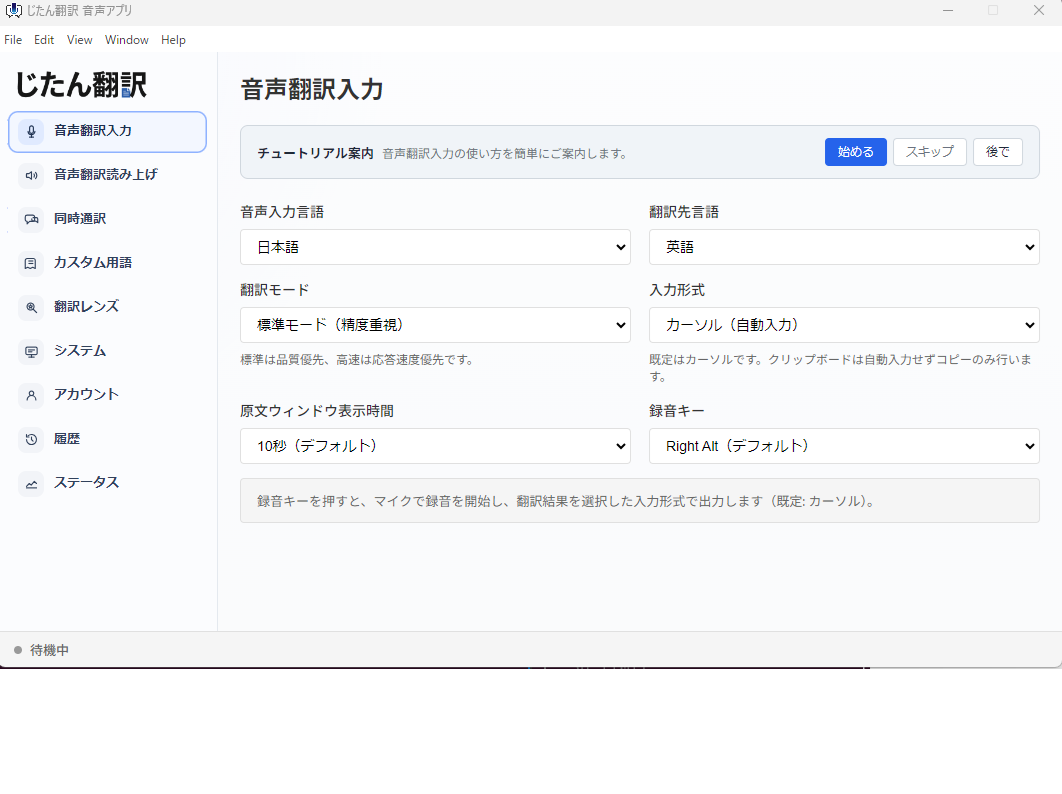
For AI-assisted document translation across PDF, DOCX, PPTX, and XLSX formats, include Jitan Translate in your evaluation. Test with your own documents and score it against your criteria.
Source: https://jitantranslate.com/en/blog/pdf/translate-pdf-without-losing-formatting/