Translation Quality Assurance for Small Teams Using AI Drafts
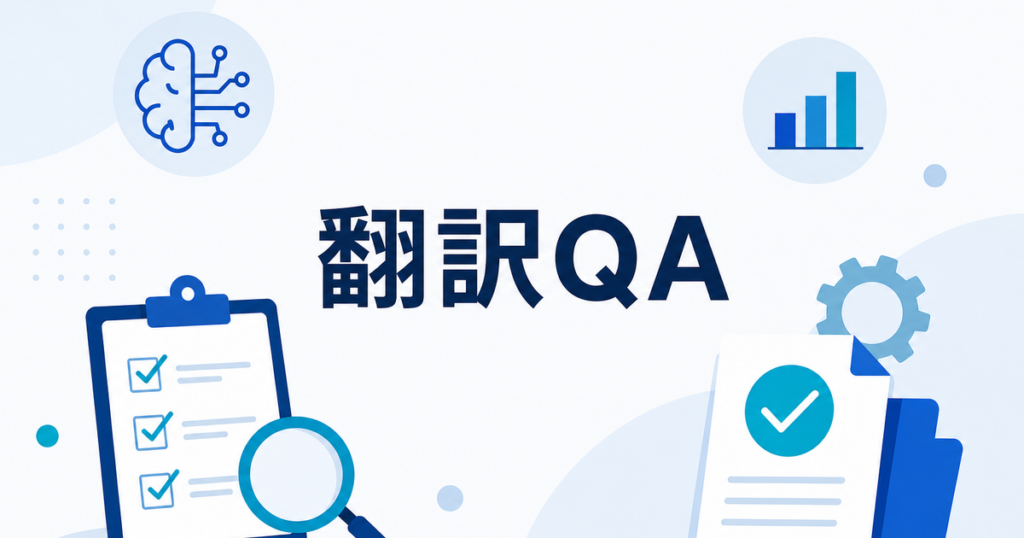
Your team just received a batch of AI-translated documents. Some look solid. Others have terminology issues, awkward phrasing, or missed context. Without a quality assurance process, you have no way to know which translations are ready to use and which need work. This article lays out a practical QA workflow that small teams can adopt without hiring a localization manager or buying enterprise software.
Why Translation QA Matters for Small Teams
Large organizations have dedicated localization teams, quality management systems, and vendor review processes. Small businesses usually have one or two people who "handle translations" alongside their other responsibilities. That makes QA harder, not less important.
When a translated employee handbook has the wrong safety instruction, or a customer-facing proposal uses inconsistent product terminology, the consequences fall on the business. QA is not a luxury step. It is the difference between a translation you can distribute and one that creates confusion.
AI translation has made the initial draft faster and more accessible, but it has also made QA more necessary. Raw AI output is a starting point, not a finished product. Teams that treat it as finished are the ones who discover errors after distribution.
Setting Up a QA Framework
Define Three Quality Tiers
Not every document needs the same level of review. Categorize your translations into tiers based on audience and risk:
- Tier 1 — Internal reference: Internal memos, meeting notes, reference documents. These can often go out with light review. The goal is comprehensibility, not polish.
- Tier 2 — Internal distribution: Employee handbooks, training materials, internal policies. These need accuracy review, terminology checks, and readability assessment. Errors here can cause compliance or operational problems.
- Tier 3 — External publication: Client proposals, marketing materials, customer-facing documentation, contracts. These need full review by someone qualified, including fluency editing and cultural appropriateness check.
Assigning a tier to each translation before review starts sets clear expectations for the reviewer and prevents over-investing time on low-risk documents or under-reviewing high-risk ones.
Create a Review Checklist
A written checklist ensures consistency across reviewers and across time. For small teams, where the same person might review translations weeks apart, a checklist prevents the "I forgot to check that" problem.
A basic translation review checklist covers:
- Completeness: Is all source content present in the translation? AI engines occasionally skip paragraphs, footnotes, or table cells.
- Terminology: Do product names, technical terms, and company-specific language match the glossary?
- Accuracy: Is the meaning correct? Focus on sentences where getting the meaning wrong has consequences.
- Formatting: Does the translated document maintain the structure of the original? Check tables, headers, bullet lists, and page breaks.
- Fluency: Does the text read naturally, or does it sound like a translation?
Document this checklist and share it with everyone who reviews translations. Update it when you find new error types that were not covered.
Practical Review Process
The Two-Pass Method
For most small teams, a two-pass review works well:
Pass 1 — Accuracy scan. Read through the translation comparing it to the source. Focus on meaning, not style. Flag anything that is wrong, missing, or changed in a way that alters the intended message. This pass is about catching errors that could cause problems.
Pass 2 — Readability and consistency. Read the translation without looking at the source. Does it flow naturally? Are terms used consistently? Are there awkward constructions that a native speaker would not write? This pass is about producing text that reads well.
For Tier 1 documents, you might skip the second pass. For Tier 3 documents, consider having a second person do the readability pass.
Handling Formatting Issues
Document translation tools vary in how well they handle formatting. A tool might return a DOCX file that is designed to preserve the original layout but still shift table columns, misplace images, or break page breaks.
When you encounter formatting issues:
- Fix them in the translated document before distribution
- Note the pattern in your review checklist (for example, "tables in translated PPTX files tend to need column width adjustment")
- Test a different tool or setting for the next translation if the same issue recurs
Formatting review is part of QA. A translated proposal with misaligned tables and missing images does not look professional, even if the text is perfect.
Different file formats present different formatting challenges. PowerPoint translations frequently need text box resizing because translated text is often longer than the original. Excel translations may break formula references or misalign cell contents. PDF translations can shift images or alter page breaks. Build format-specific formatting checks into your review process for each file type you translate regularly.
Time Estimates for Review
Small teams often underestimate how long review takes. A rough guide for planning:
- Light review (Tier 1): Check completeness and major accuracy issues. Expect to cover 3,000-4,000 words per hour.
- Standard review (Tier 2): Accuracy, terminology, formatting, and readability. Expect 1,500-2,500 words per hour.
- Full review (Tier 3): Everything in standard review plus fluency editing and cultural appropriateness. Expect 1,000-1,500 words per hour.
These estimates assume the reviewer is working in their native language and is familiar with the subject matter. New reviewers take longer. Complex technical content takes longer. Build these estimates into your project timelines so that review does not become a bottleneck.
Building a Terminology System
Why a Glossary Is Essential
AI translation engines do not know your company's terminology. They translate "QuickSync" as a generic phrase instead of keeping it as a product name. They translate "first responder" differently in a safety manual versus a marketing document. Without a glossary, every reviewer corrects the same terms independently, leading to inconsistency.
Setting Up a Simple Glossary
A glossary does not need specialized software. A shared spreadsheet works for small teams. Include these columns:
- Source term: The word or phrase as it appears in the original document
- Approved translation: How it should appear in the translated document
- Context note: When to use this translation (for example, "Use in safety documentation only" or "Always capitalize")
- Do not translate flag: Mark terms like product names that should stay in the original language
Review and update the glossary after each translation project. When a reviewer corrects a term, add it to the glossary so the next translation gets it right from the start.
Some AI translation tools support custom glossaries or terminology lists. If your tool does, load the glossary there as well. This reduces the number of corrections needed in review.
Measuring Translation Quality Over Time
Track Error Rates
Keep a simple log of errors found during review. You do not need a complex quality management system. A spreadsheet with columns for document, date, error type, and severity tells you a lot over time.
Common error types to track:
- Terminology errors: Wrong term used
- Accuracy errors: Meaning changed or lost
- Omissions: Content missing from translation
- Formatting errors: Layout broken in output
- Fluency errors: Awkward but accurate phrasing
After 10 or 20 translations, patterns emerge. If terminology errors dominate, your glossary needs expansion. If omissions are frequent, the tool may struggle with certain document structures. If formatting errors recur, consider testing a different workflow or tool.
Use a Simple Quality Score
For each reviewed document, assign a rough quality score:
- A: Fewer than five minor corrections needed. Usable as-is after quick fixes.
- B: Corrections needed but no meaning-level errors. Usable after focused review.
- C: Multiple accuracy errors. Requires thorough re-review of the full document.
- D: Unusable output. Needs re-translation with different settings or tool.
Track scores over time. If quality drops, investigate whether the source documents changed, the language pair changed, or the tool updated its engine.
Benchmarking Across Tools
If you use multiple translation tools or are considering switching, the same quality scoring system lets you compare tools objectively. Translate the same source document with two different tools, have the same reviewer score both outputs using the same criteria, and compare the results.
This removes subjective preference from the decision. Reviewer A might prefer Tool X because it "sounds better," but when you count errors and compare quality scores, Tool Y may actually produce fewer accuracy problems. Objective scoring produces better tool selection decisions than subjective impressions.
You can also benchmark across time periods. Score translations from six months ago alongside recent translations using the same criteria. If the scores are similar, your quality is stable. If older translations score higher, something has changed — possibly the AI engine, possibly the source documents, possibly the language pair.
When to Bring in Expert Reviewers
AI drafts work well for many business documents, but some content should receive expert human review:
- Legal and contractual documents: Have an appropriate legal or subject-matter reviewer check any translation that could affect legal obligations. AI translation does not replace legal review.
- Safety and compliance content: Errors in safety instructions or regulatory documents can have serious consequences. Always have a subject matter expert verify these translations.
- Medical and health-related content: Medical translation errors can harm people. Have health-related documents reviewed by someone with appropriate healthcare translation experience.
- High-stakes external communications: Executive announcements, crisis communications, and investor materials deserve professional review.
For these document types, AI translation can still accelerate the process by producing a draft that a human expert then reviews and corrects. This is faster than translating from scratch, but the human review step is essential.
Maintaining the QA Process
Quarterly Review
Every quarter, take 30 minutes to review your QA process:
- Are error rates improving, staying flat, or getting worse?
- Does the glossary need updates based on new products, terms, or document types?
- Has the team identified new error patterns that the checklist does not cover?
- Are the quality tiers still appropriate, or do some document categories need reclassification?
This prevents the QA process from becoming stale and ensures it evolves with your translation needs.
Scaling as Volume Grows
When your translation volume increases, the informal QA process may need structure:
- Assign a dedicated reviewer role instead of rotating reviews
- Invest in translation management tools that support side-by-side editing and glossary integration
- Consider professional post-editing services for high-volume periods
Small teams do not need enterprise-scale systems, but they do need consistent processes. A simple, well-maintained QA workflow produces better results than an ad hoc approach, regardless of team size.
Getting Started
If your team does not have a translation QA process today, start with these three steps:
- Write a one-page review checklist based on the categories above
- Create a shared glossary spreadsheet with your key terms
- Assign quality tiers to the next three documents you translate
These steps take less than an hour to set up and immediately improve the reliability of your translated documents. As you use the process, refine it based on what you learn.
A well-structured QA process does not need to be complex. The most effective systems are simple enough that people actually follow them consistently. Three tiers, one checklist, one glossary, and a quality score — that is enough to transform AI translation from a risky shortcut into a reliable business workflow.
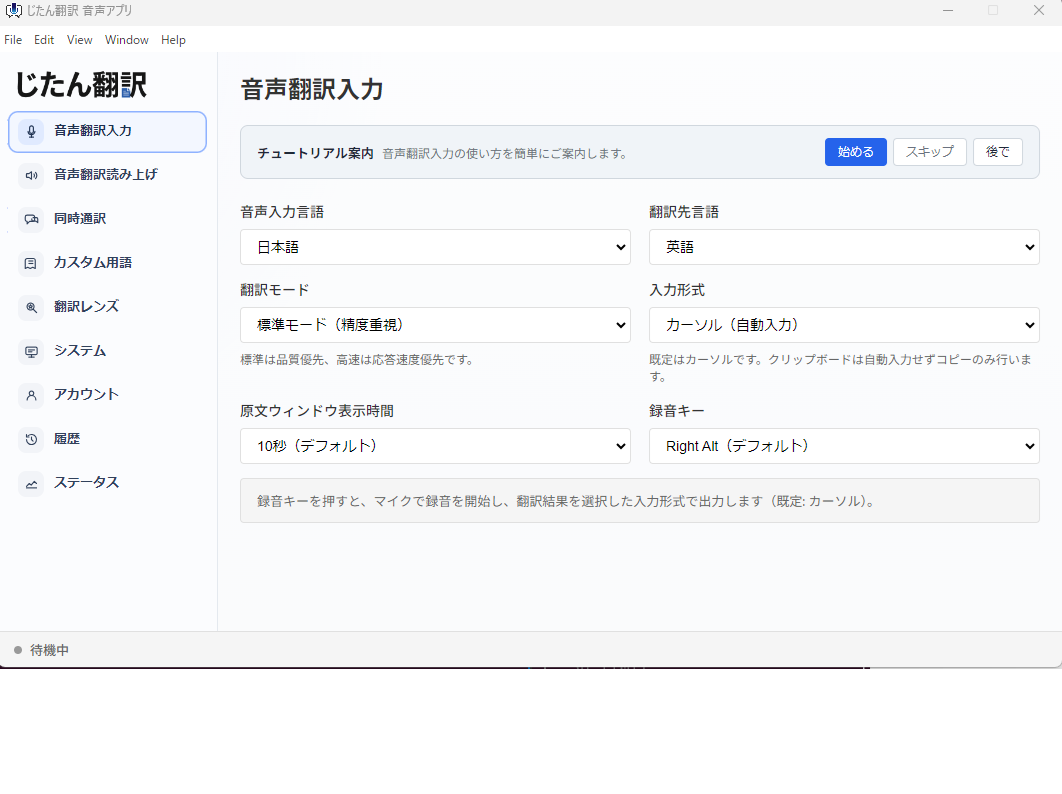
For document translation that is designed to preserve formatting across PDF, DOCX, PPTX, and XLSX files, tools like Jitan Translate can provide the initial AI-assisted draft that your team then reviews.
Source: https://jitantranslate.com/en/blog/pdf/translate-pdf-without-losing-formatting/