
Translate Zoom, Teams, and Meet audio
on your own screen
Translate meeting audio
on your own screen
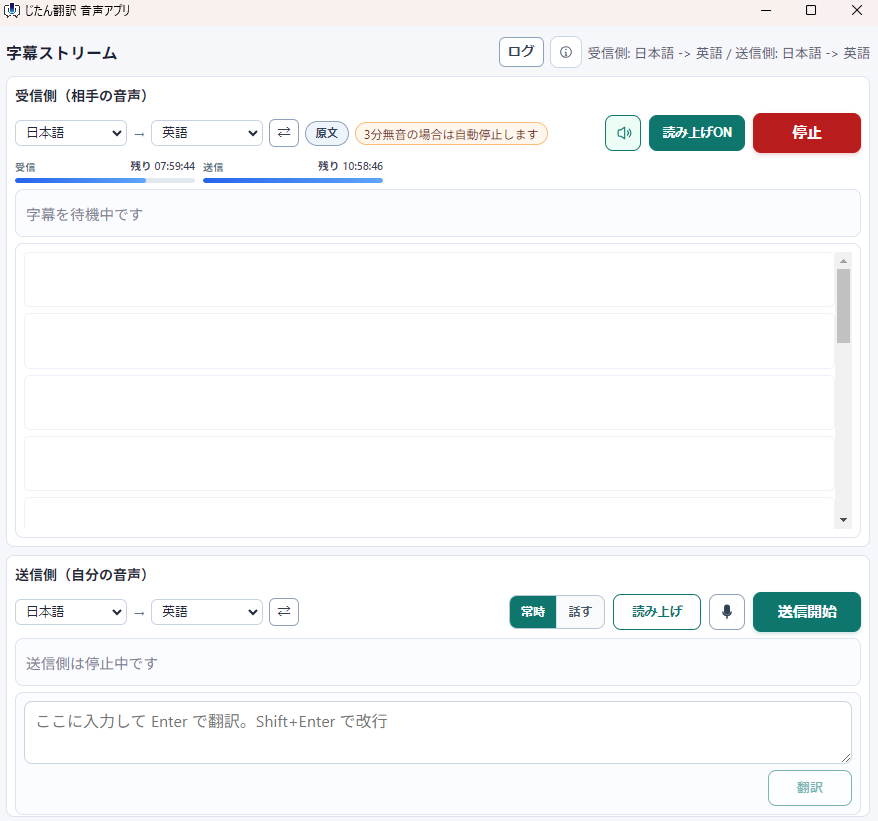
Follow the other speaker with real-time subtitles without relying on host settings or meeting-app captions.
Use read-aloud and your own speech translation when needed.
Follow Zoom, Teams, and Meet audio privately with subtitles and optional read-aloud.
Main features
Voice input with translation
Speak naturally and insert translated text anywhere. Faster than typing for longer messages.
会議Translation mode
Zoom・Teams・Google Meetから聞こえる相手音声をリアルタイムで字幕Translation。主催者設定に頼らず、自分の画面だけで確認できます。
Translated speech output
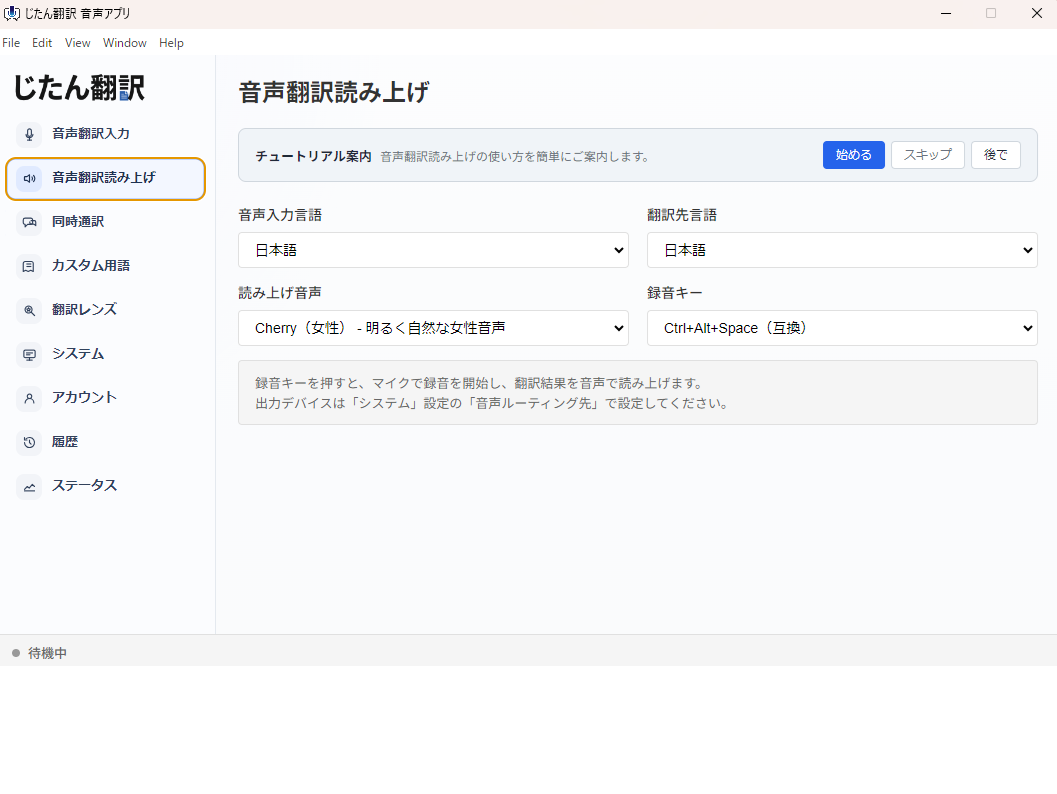
Translate your speech into another language and play it back with AI voice for international meetings.
Translation lens
Drag over any area of the screen to translate it instantly.
How to use
Install the app
Install the Windows app from Microsoft Store.
Log in
Sign in with your Jitan Translate account. Create a free account if you do not have one yet.
会議Translationを開始
会議Appを開き、「相手の会議音声」を開始すると、リアルタイムで字幕Translationされます。
Ways to use it
Zoom・Teamsの海外会議
相手のEnglish音声を自分のPC側でリアルタイム字幕Translation。会議ホストの設定や有料Translation字幕が使えない場面でも確認できます。
ウェビナー・オンライン通話
ブラウザ会議、海外ウェビナー、オンライン通話の音声もPC音声としてTranslation。字幕と読み上げで内容を追えます。
Supported languages
Supports 12 languagesVoice app plan: $3 / month から
This is separate from file translation points.
Get started now
Microsoft StoreからAppを入手して、海外会議の相手音声を自分の画面でTranslationしましょう。
Get it from Microsoft Store