Supports PowerPoint, PDF, Word, and Excel
Drag and drop files
or
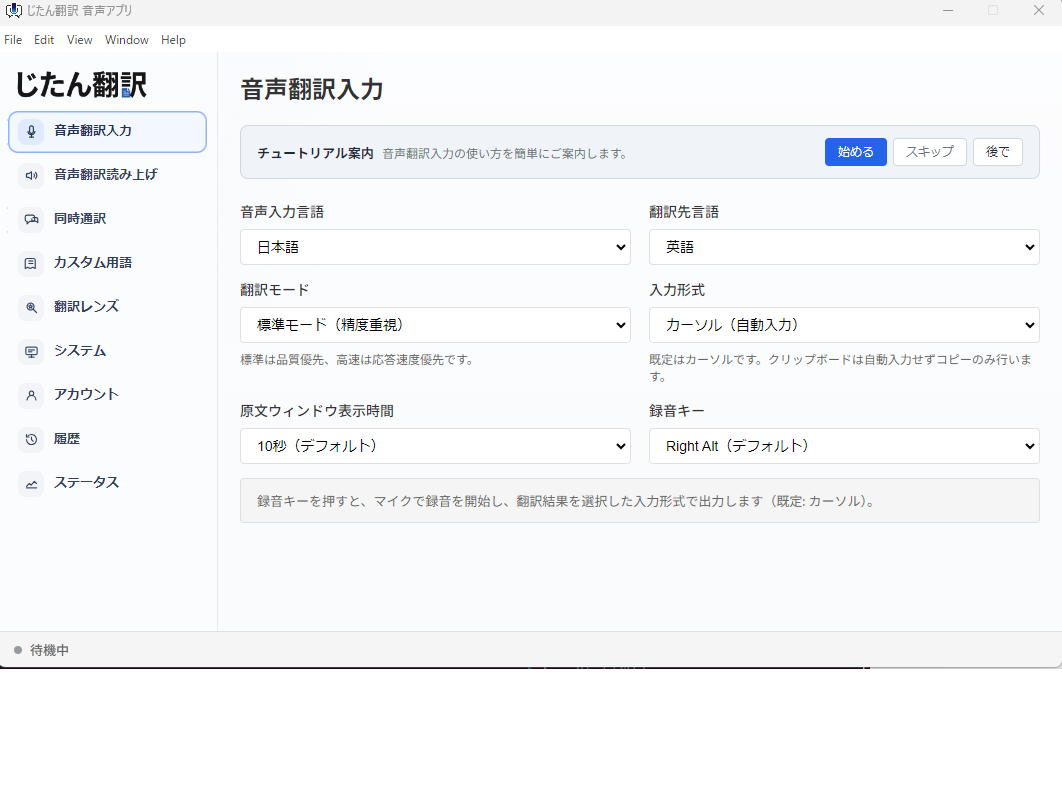
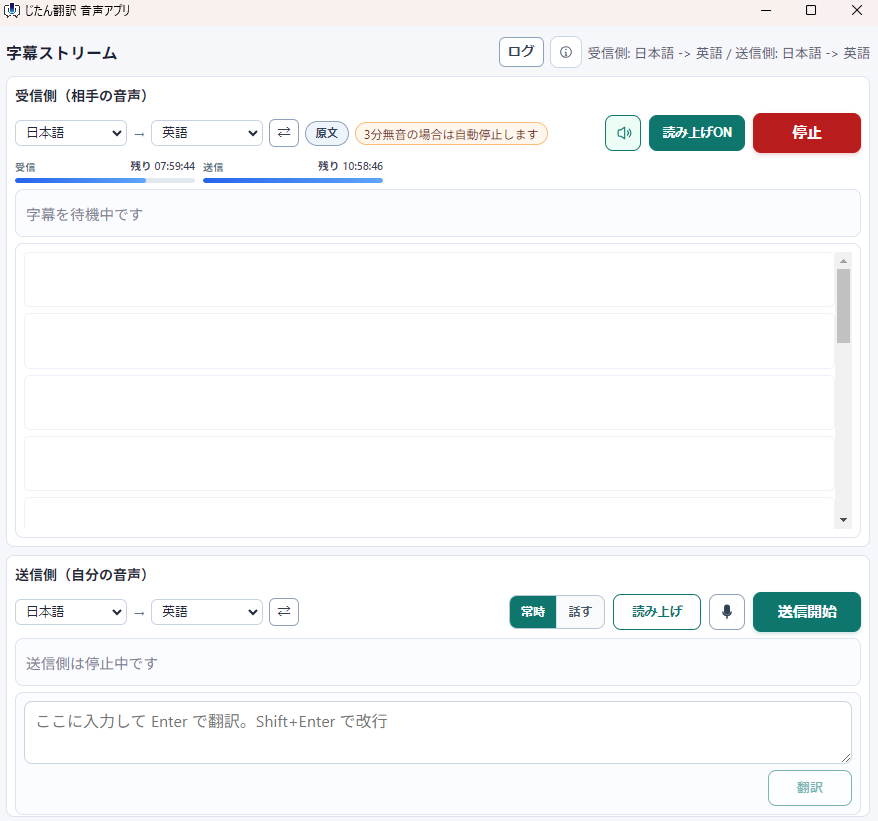
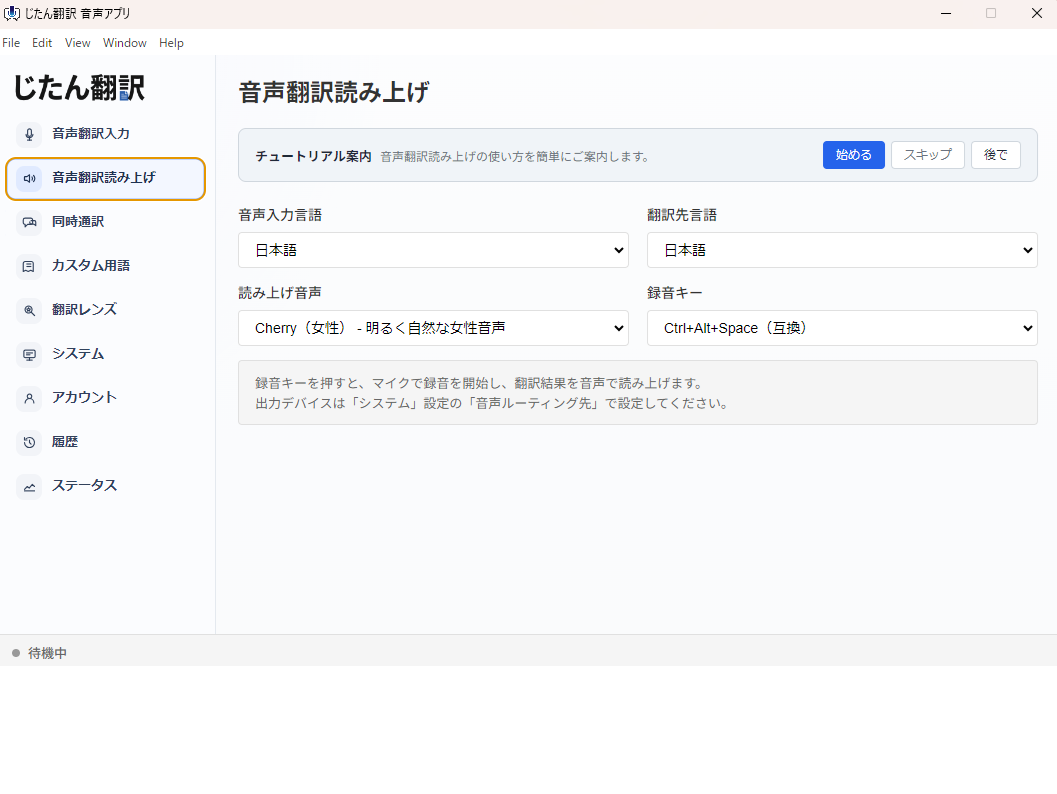
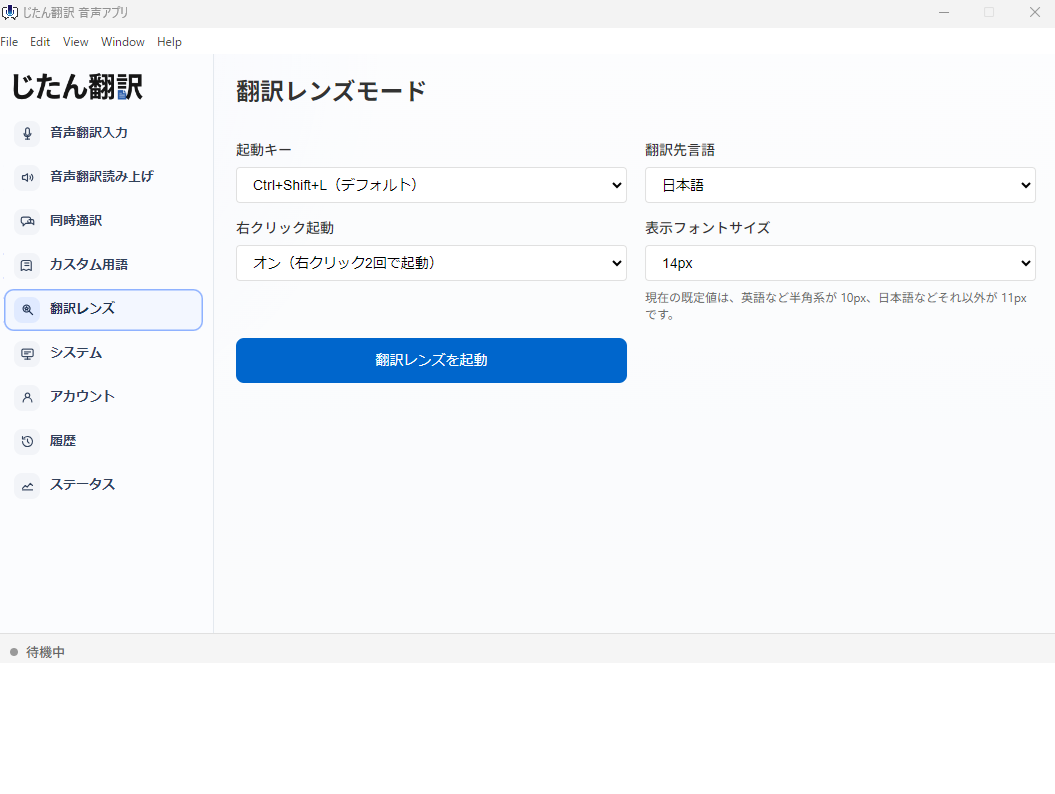
会議AppのTranslation字幕は主催者設定や有料プランに左右されます。文書Translationサービスは資料にはStrong一方、Teams・Zoom・YouTubeの音声までは同じ流れで扱いにくいことがあります。 Jitan Translateは、PCVoice translation appとPDF・PowerPoint・Word・Excel translationを同じAccountで使えるため、海外会議の前後の作業をまとめて確認できます。
| 用途 | 一般的なSaaS | Jitan Translate |
|---|---|---|
| Zoom・Teams・Meetの音声 | 会議App側の設定やプランに依存しやすい | 自分のWindows PC側で字幕・読み上げを確認 |
| 会議資料 | 文書Translationツールを別途使うことが多い | PDF・PowerPoint・Word・Excelを同じAccountでTranslation |
| 試し方 | 機能別に契約・設定が分かれやすい | 初回限定の無料枠(ファイル2件・Total5,000chars)で品質確認 |
Zoom・Teams・Google Meetの相手音声を、Windows PC側で字幕Translation。
必要なときはTranslated speech outputも使えます。
Just drag and drop your files.
AI processes text while preserving layout.
Download the translated file when ready.
対応する機能とご契約内容で、機密性の高い内容を扱うときに専用の処理経路を選べます。利用可否と残りの利用量はLog in後の機能別表示で確認でき、専用経路が使えない場合はStandard modeへ自動で切り替えず停止します。
シークレットモードの利用条件を確認する